
I have already synchronized my mobile with chat and email.


To do this, he followed the following steps.
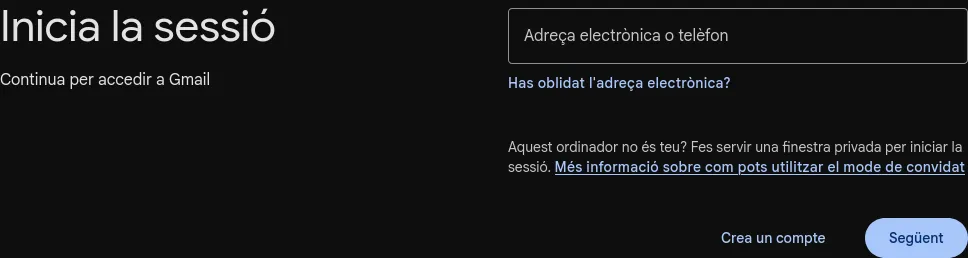
Create a new account
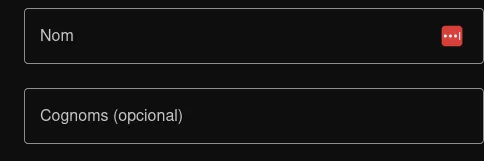
Now put your name
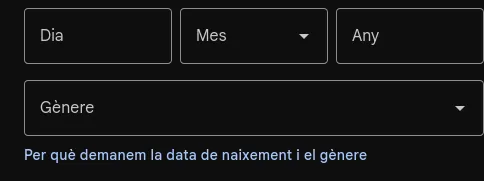
Now the date of birth
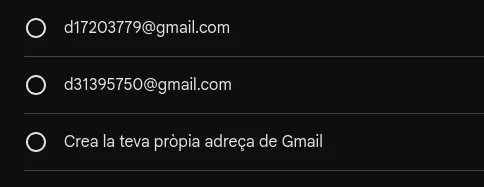
In this step, it suggests a name for your account, or below you can enter the name you want, respecting the structure it asks for.
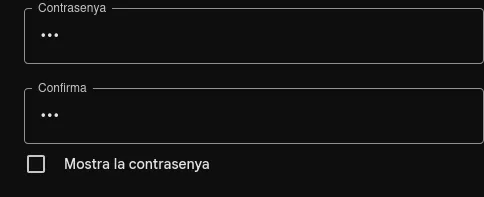
Here you can enter any password you want, as long as it’s at least 8 characters long.
And here it will ask you to use your mobile phone’s camera to scan the QR code so that the account is saved on your phone.
And then you’ll be able to enable the chat and receive the emails people send you.
To go to the next page click –>here